
“About… this long?”
Showing the length with your hands only gets you so far. So does “you know, just shorter.”
Upload a selfie and try on 52 hairstyles, from buzz cuts to box braids. You get a realistic preview in seconds, so you know exactly what to ask for.


You sit down and ask for “just a trim.” You show a photo of someone with different hair, a different face and much better lighting. Then you spend the next hour staring at the mirror, hoping.
Showing the length with your hands only gets you so far. So does “you know, just shorter.”
A celebrity photo shows their face shape, their hair texture and their stylist. It can’t show how the cut looks on you.
Once the cut is done, the only fix is waiting for it to grow. And hair is slow.
So if a trim turns into a chin-length bob, growing it back to your shoulders can take most of a year.
Growing back
Month 0
0.0 cm
Hair Mirror keeps your face, skin tone and lighting the same and changes only your hair. It takes three steps and no appointment.
Use a clear, front-facing photo with your hair visible. A normal phone selfie works fine.
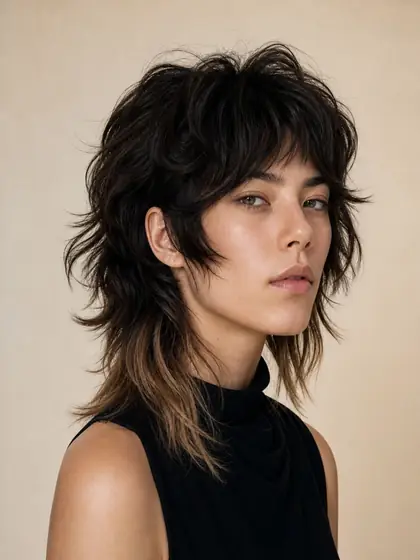
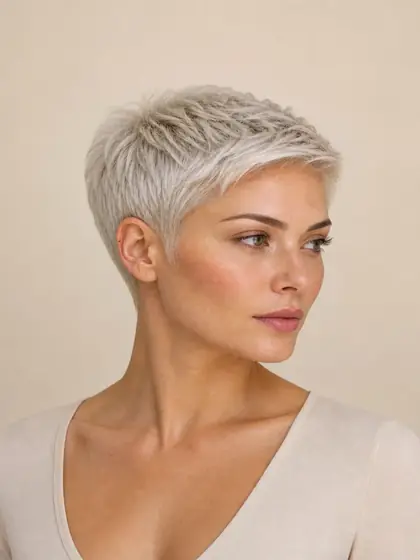
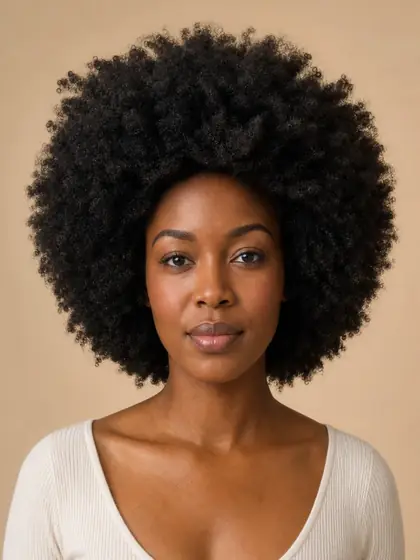
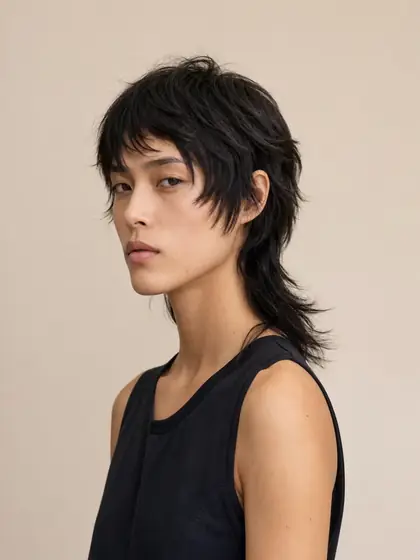
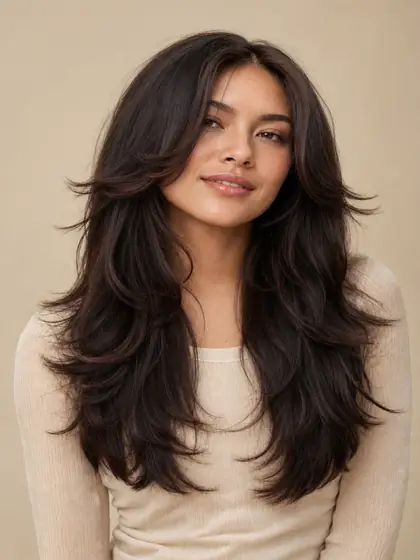
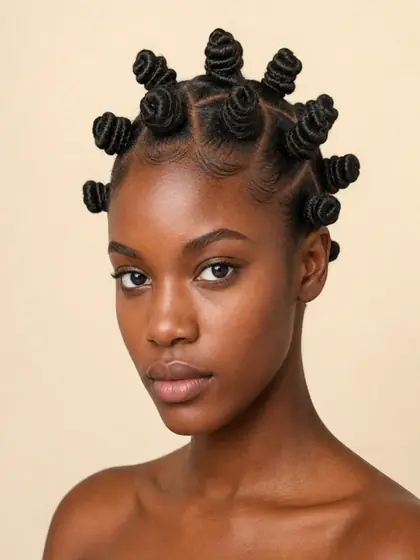
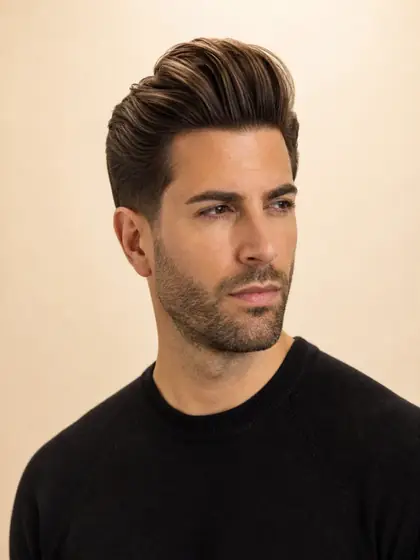
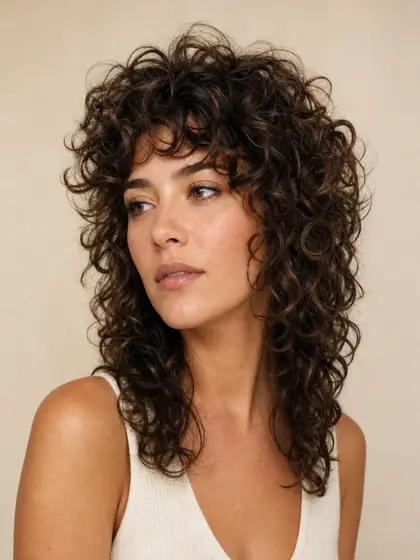
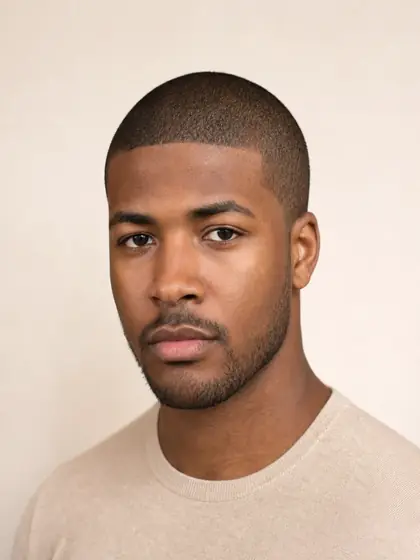
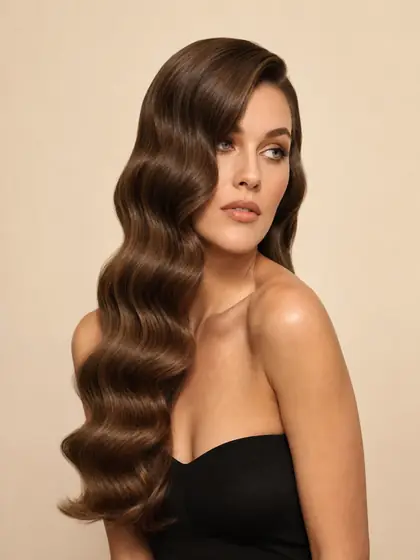
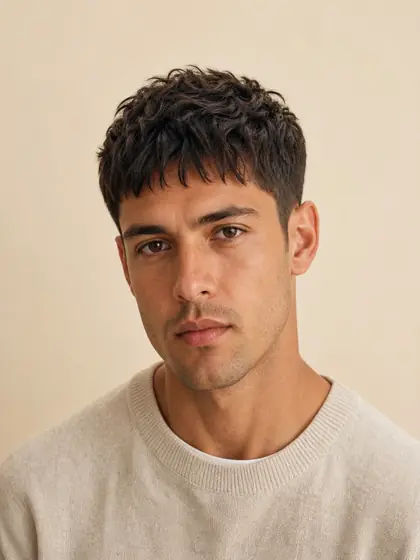
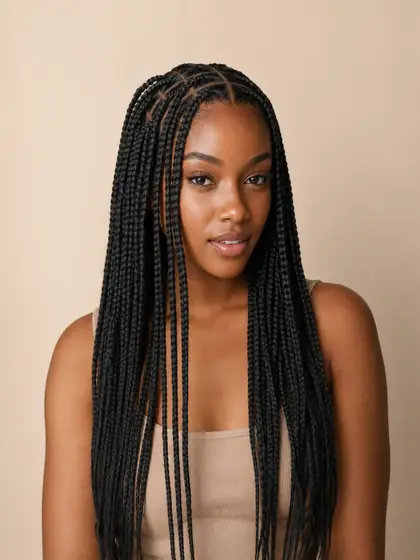
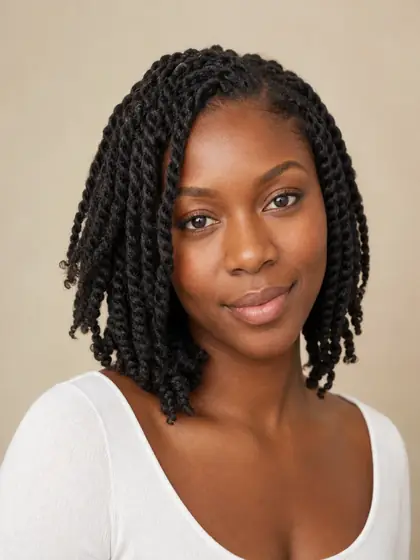
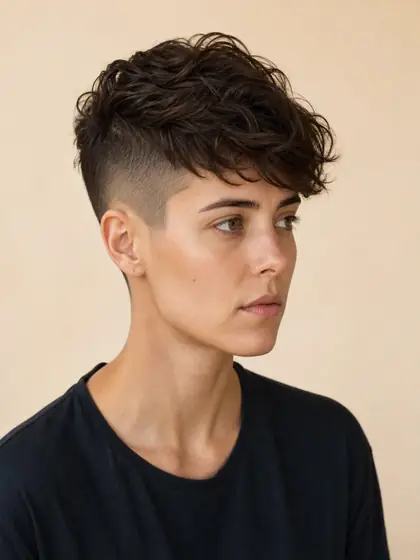
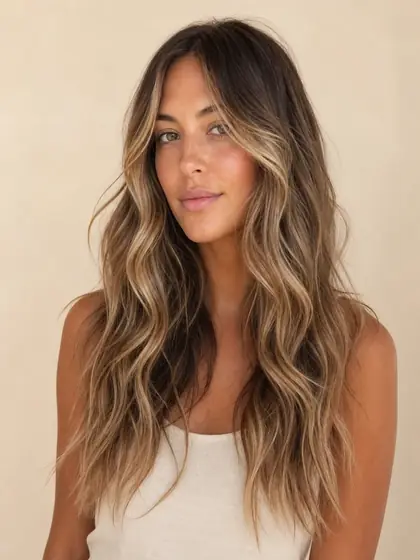
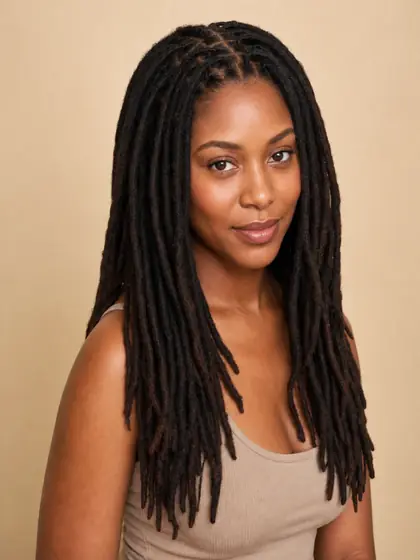
Pick from 52 styles, including fades, bobs, braids, shags, pixies and locs.
Your preview is ready in seconds. Same face, new hair, no commitment.
Keep the looks you like and delete the rest. Nobody needs to see the mullet.
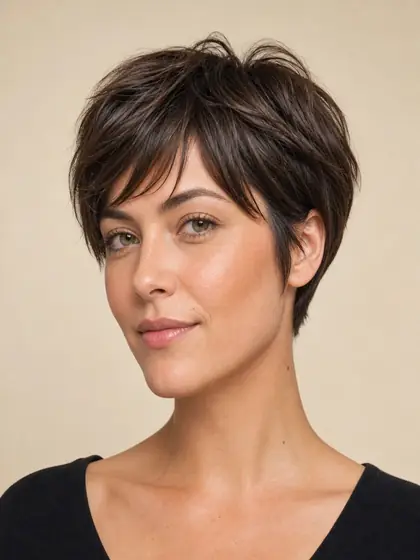
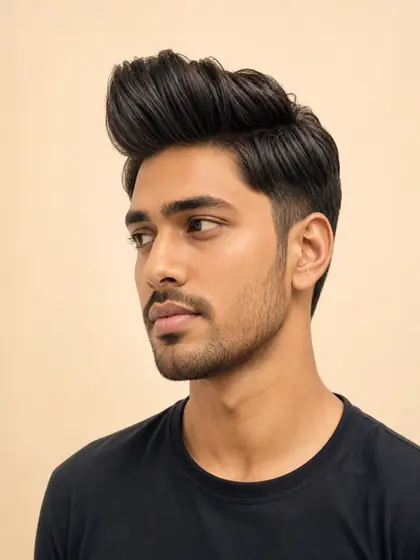
Classic, modern and protective styles for every hair type and length. Tap any style to try it on your own photo.








Your stylist
Thursday, 2:00 pm
So, what are we doing this time?
I tried a few on first. This one:
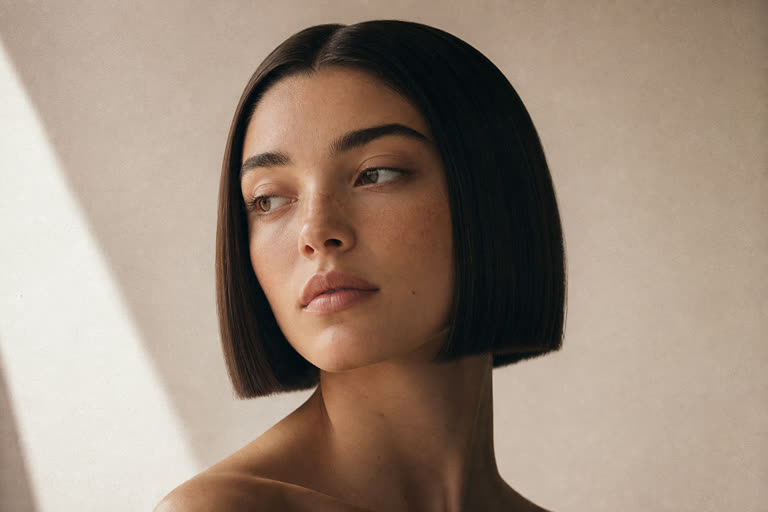
Can you do this?
Love it. Definitely! See you Thursday.
No more describing it with your hands. Download your preview in 2K, or send your stylist a private link to that one look. You can turn the link off at any time.
Download in 2K
Sharp enough to see every detail.
Private salon link
Shares one look. Turn it off anytime.
Save favourites
Keep a shortlist before you book.
Your selfie stays private
We only keep the generated result.
Your first preview is free. After that, each preview costs one credit. Credits never expire, and you are never charged for a failed preview.
Try a few styles.
Our most popular pack.
Great for sharing with friends.
For trying everything.
One preview costs about $0.33. Growing out a bad haircut takes about eight months.
Secure checkout by Stripe. One-time packs, no subscription.
An AI hairstyle try-on creates a visual preview of a selected haircut on your photo. Hair Mirror keeps your face and overall appearance recognizable while changing the hairstyle, so you can compare looks before visiting a stylist.
Hair Mirror includes 52 styles across short, long, curly, straight, classic, modern, and protective looks, including bobs, pixies, fades, braids, twists, shags, layers, and more.
Use a clear, front-facing photo with your full face and current hair visible. Even lighting and a simple background help produce the most useful hairstyle preview.
No. Your selfie is processed for the generation request but is not saved by Hair Mirror. Only the generated hairstyle result is stored privately in your account history.
Yes. You can download the generated result or create a private, revocable salon link for one preview. The link never exposes your original selfie, account, or other results.
Your first preview is free. After that, each successful preview costs one credit. Credit packs start at $3.99 for 10 previews, and failed generations are not charged.
Your first preview is free, and you don’t need a card to try it.